Instance management
From this panel, you can manage all the instances that are running on the server, including those from other users. You can retrieve labs, devices or instances by UUID.
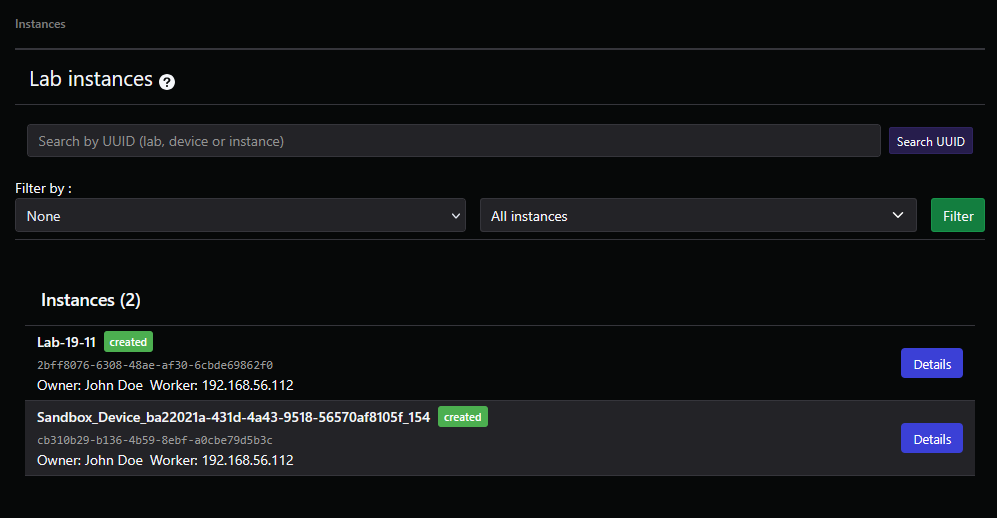
To see more details about an instance, click on the Details button. A pop-up will show up.
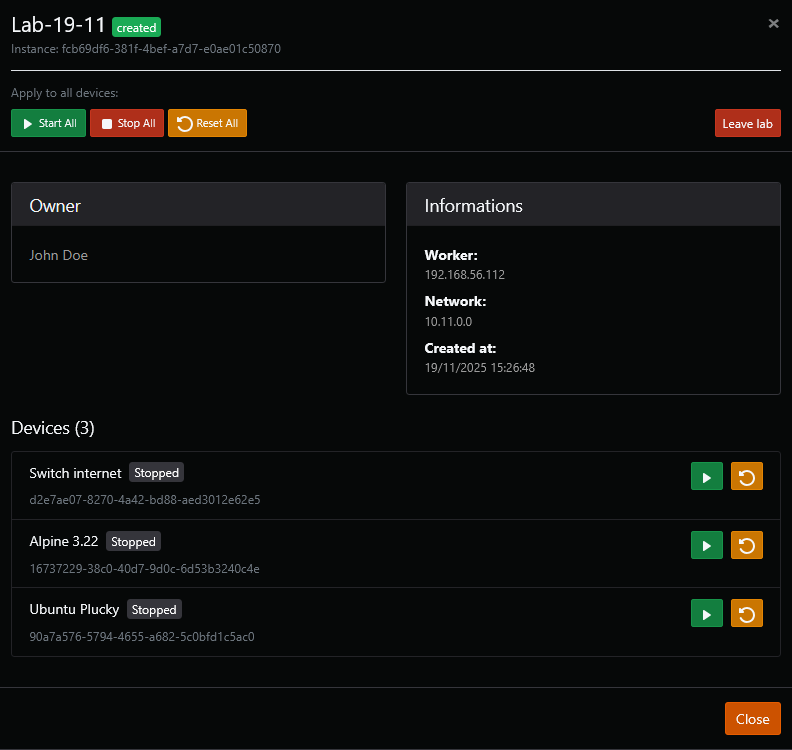
From there, you have access to all the information about the instance. You can:
- See the owner of the instance
- Start all, stop all and reset all devices
- Start, stop or reset one device
- Leave the lab
Warning
The Leave lab button destroys the selected instance and erases all modifications made on its devices.