Lab code
In RemoteLabz 2.4.4, users can access a lab by using a specific code issued by their administrator or a teacher. On the administrator side, you can manage existing codes for all users and every created laboratory.
Lab code creation

To create a lab code, go to the lab and click the code button above it. A new form appears where you can choose:
- Email addresses on which the code will be sent.
- Duration in days, hours and minutes.
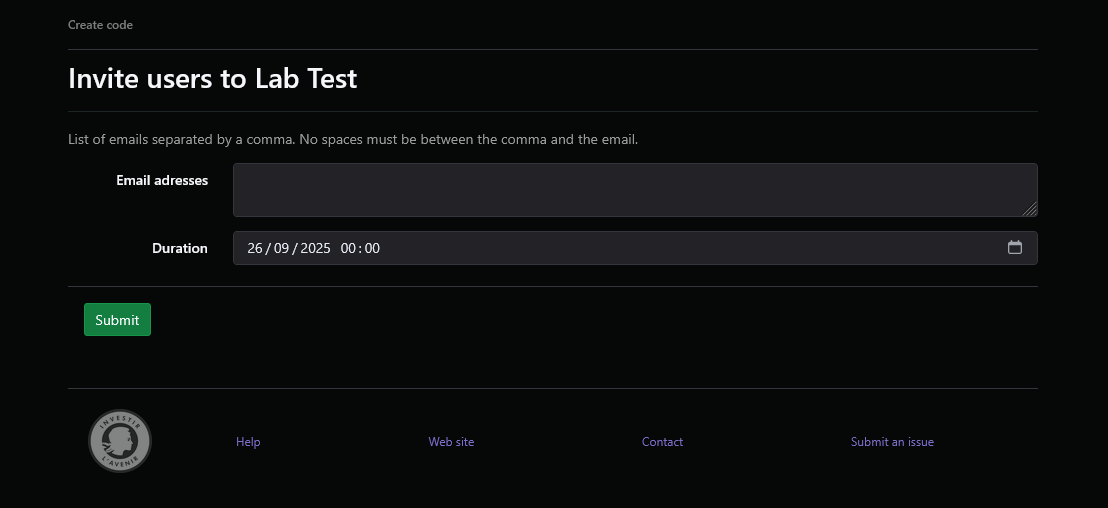
Once created, the laboratory access code will appear in a table below the form. Every code created by the same user for this lab can also be deleted from there.
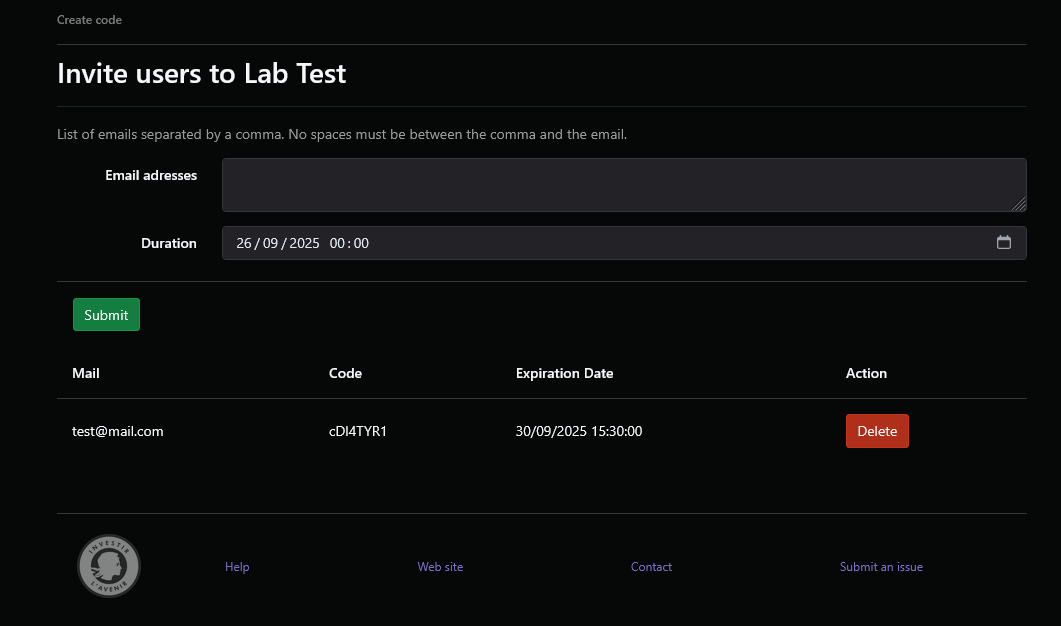
Lab code management
If you have already issued another lab code for the requested lab, you can go to the admin area and click on Codes.

Then, you have to select the lab, and on its lab code management page, you can create the lab code.