Lab code
In RemoteLabz 2.4.4, a user can access a lab by using a specific code issued by an administrator or a teacher.
Warning
Only an administrator or a teacher can create a lab code.
Lab code creation

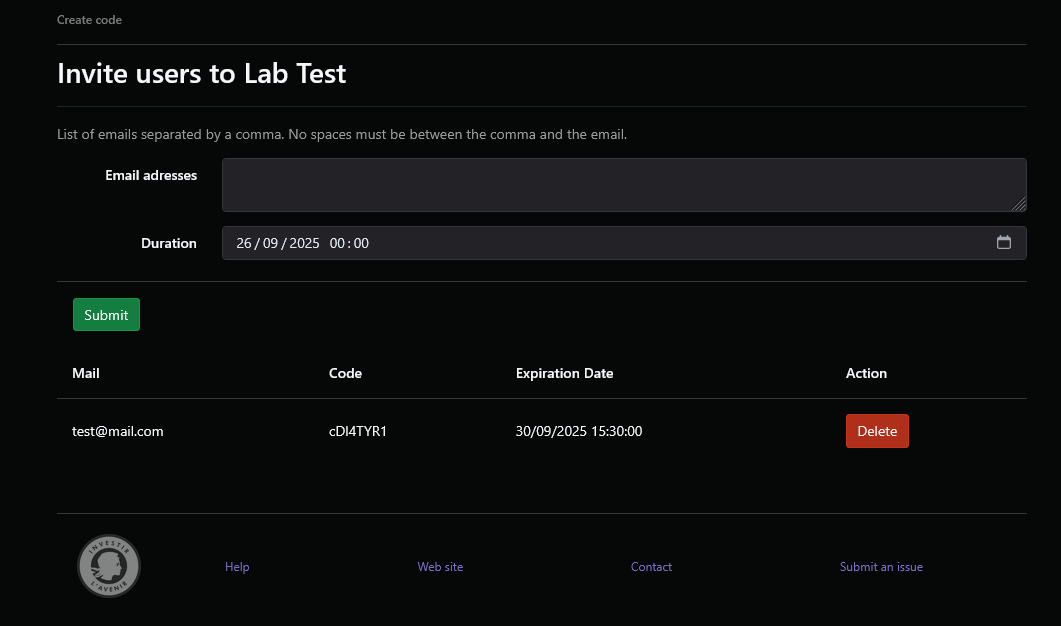
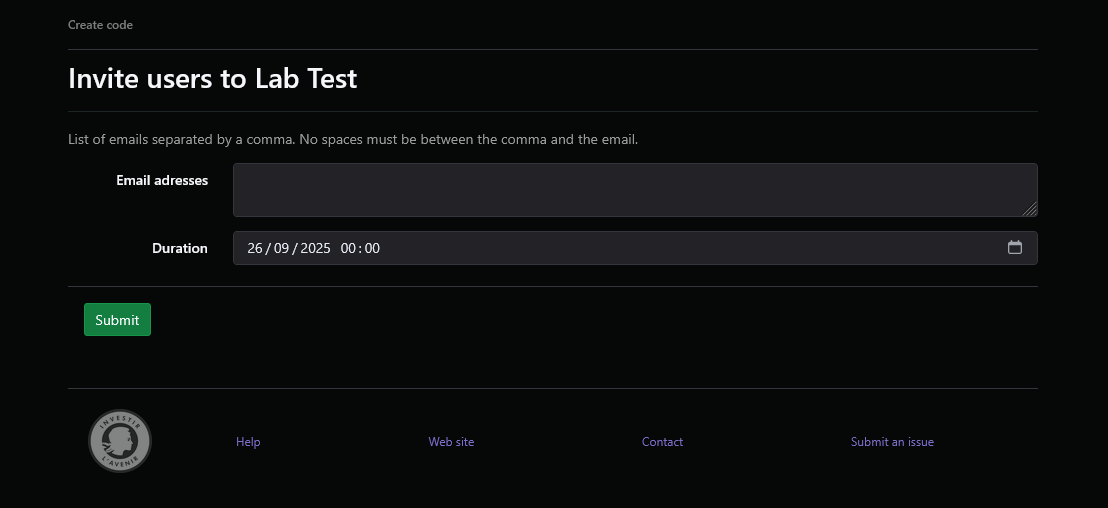
To create a lab code, go to the lab and click the code button above it. A new form appears where you can specify:
- Email addresses on which the code will be sent.
- Duration in days, hours and minutes.
Once created, the laboratory access code will appear in a table below the form. Every code created by the same user for this lab can also be deleted from there.