Booking
Basic concepts
Since RemoteLabz 2.4.4, it is possible for everyone to schedule physical laboratory reservations through a functionality called Booking.
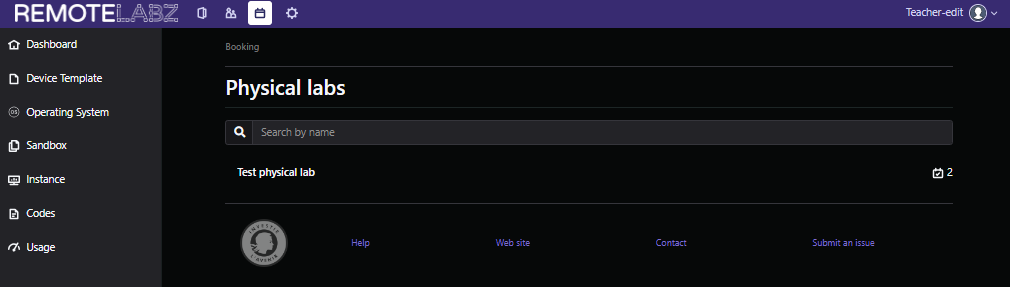
Calendar
Each physical lab has its own reservation schedule. Once on the booking page, click on the lab to view its schedule. This schedule is accessible to everyone, including students.
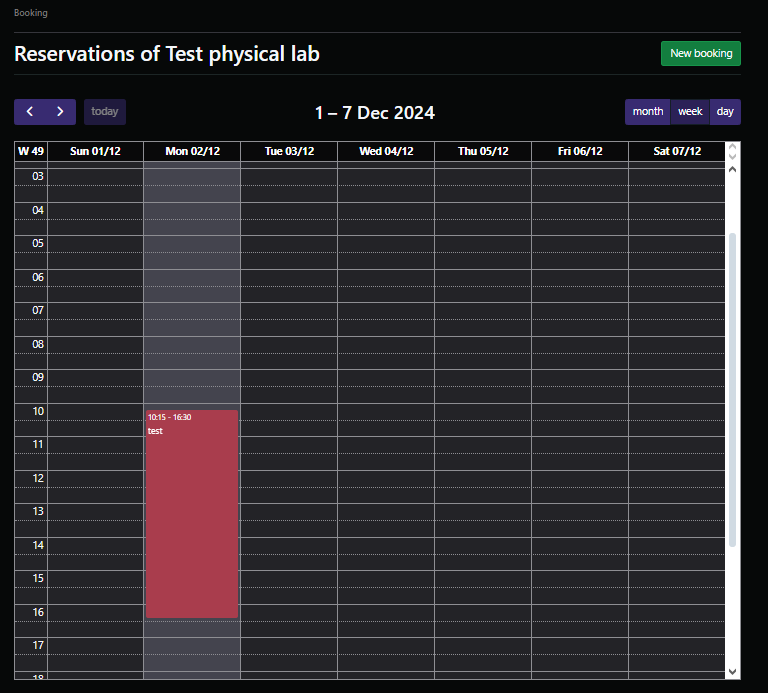
Booking a lab
Everyone, including students, can book a laboratory. To do this, click on New Booking.
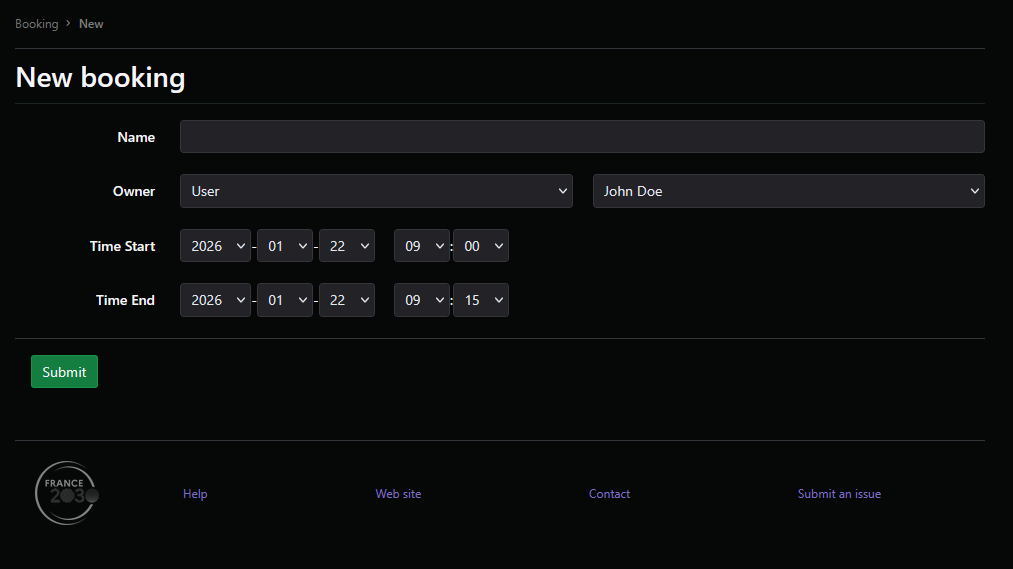
A new form appears. You need to fill in the following information:
- Name of the practical work: it justifies the booking (for example: POO S1).
- Owner of the reservation: greyed out for students; only a teacher or an administrator can assign a reservation to another user or group.
- Start and end time: a booking can be scheduled up to two years in advance.